Controller Stick Resolution: What a Bigger Number Does Not Prove
Updated · Written by Javed Niamat
Separate stick resolution from accuracy, noise and polling rate. Learn why browser decimals and a 16-bit input range cannot certify physical precision.
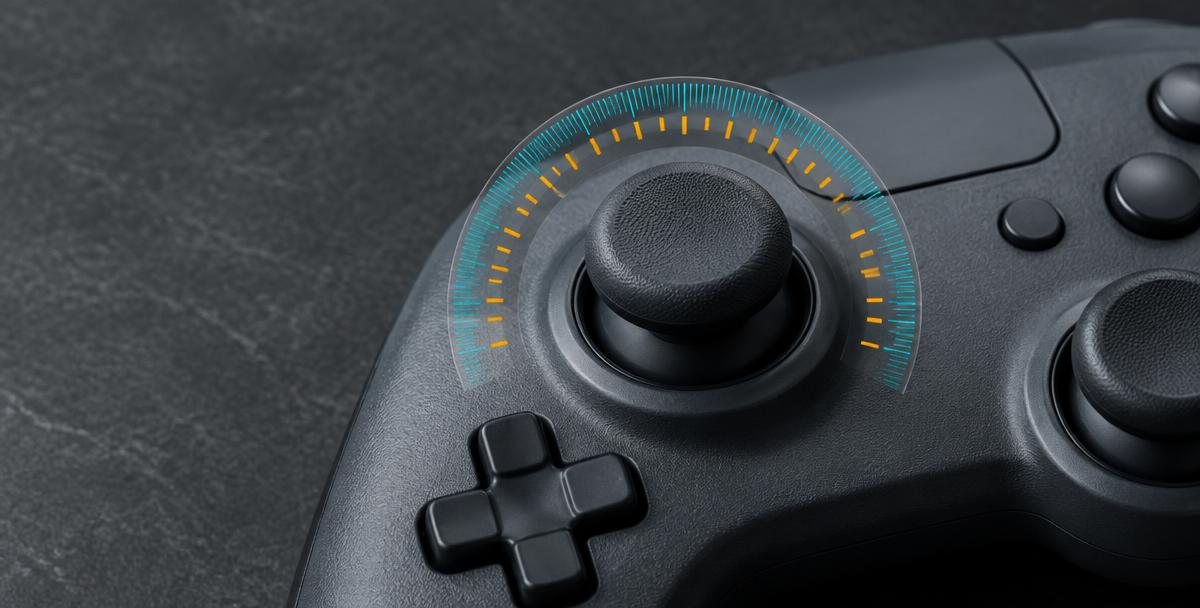
More steps can help—but they are only one part of control
A specification mentioning a high-resolution stick sounds like a promise of better aim. It really needs a follow-up question: resolution at which stage? The sensor, controller firmware, input interface and game can each represent movement differently. Resolution describes distinguishable levels in a specified representation. It does not by itself tell you how accurately the output matches your thumb, whether the center is stable or how the game responds. Before comparing two controllers, look for a test that explains which output was measured and under what conditions.
The difference between resolution and accuracy
Imagine a ruler with many fine markings that has been positioned incorrectly. Its markings let you express small changes, but they do not fix the placement error. A stick can similarly expose many numerical levels while having an offset or an uneven response. Accuracy concerns how closely a measurement represents the intended physical position; repeatability concerns whether comparable movements produce comparable results. A noisy reading can also change while your thumb is still. Counting those changes as extra useful resolution would confuse instability with better control.
What the XInput range actually establishes
Microsoft documents XInput thumbstick axes such as sThumbLX as signed values from -32768 to 32767, with zero representing center. That is a 16-bit signed representation containing 65,536 possible codes. It does not establish that every connected controller generates every code, or that there are 65,536 mechanically distinct positions you can reliably select. Hardware, firmware and translation may use only part of that representational capacity. Treat the documented range as an interface format, not a laboratory measurement of a particular stick's effective resolution.
Why browser decimals cannot reveal sensor bit depth
The Gamepad API exposes stick axes as normalized numbers from -1.0 to 1.0. A tester then chooses how many decimal places to display. More digits on screen are not evidence of more physical detail, and rounding can make small changes invisible. The browser may receive already processed values rather than raw sensor samples. GPad Checker is an input visualizer, not a sensor-resolution analyzer: it cannot certify an analog-to-digital converter's bit depth or count every native report. Do not calculate a hardware specification from the smallest decimal change you happen to notice.
A practical fine-movement check
Keep one controller, connection, browser and profile fixed. Open the tester with the tab visible, activate the controller and move a stick slowly outward along one direction. Pause at several comfortable positions, then return gently to center. Repeat horizontally and vertically on each stick. Look for repeatable abrupt transitions or missing regions of movement, not the largest decimal value. Your hand cannot reliably reproduce every tiny physical position, and the display updates in samples, so this comparison is a way to describe behavior—not a calibrated count of usable stick steps.
Keep deadzone, response curve and polling rate separate
A deadzone ignores some input near a boundary, a response curve changes how accepted movement translates into output, and polling rate concerns update timing. None is another name for spatial resolution. A large center deadzone can make a high-resolution stick feel slow to begin moving. A steep response curve can make a small movement feel abrupt. Rapid reporting can repeat the same coarse value more often. Record active profiles and change one setting at a time in the game before deciding that the hardware lacks detail.
Compare controllers with a method, not a headline
For a buying decision, look for independently described tests naming the controller, firmware, connection, input interface and sampling method. A useful resolution test should explain whether it measures distinct output codes, effective usable steps or sensor specifications, and how it handles noise and processing. Keep comparisons within the same method. A browser screenshot, a maximum axis value and a perfect-looking circle answer different questions. Hall-effect sensing also describes a sensing technology rather than proving a particular resolution, calibration quality or absence of all possible faults.
What to do with an uneven result
If a large jump repeats in the same part of travel, compare another supported connection or compatible local game with a simple noted profile. Report the repeatable behavior and the setup to the manufacturer rather than converting it into a guessed bit-depth figure. If movement is smooth enough for your game, a smaller advertised number alone is not a reason to replace a working pad. For unwanted motion while untouched, continue with a resting-position check; for delayed response, investigate timing separately. Keep each symptom attached to the test that can actually answer it.