Controller Headphone Jack Not Working: Audio Checks for Xbox and PlayStation
Updated · Written by Javed Niamat
Headset silent through the controller's 3.5mm port? Check output settings, cable seating and controller power before replacing anything.
Confirm the headset works without the controller
Before suspecting the controller's jack, plug the headset into a phone, laptop or any other device with a 3.5mm port and play something. If the headset is silent everywhere, the controller is innocent. If it works elsewhere, you have narrowed the problem to the controller, its settings or the connection between them. This thirty-second check prevents a lot of unnecessary controller replacements.
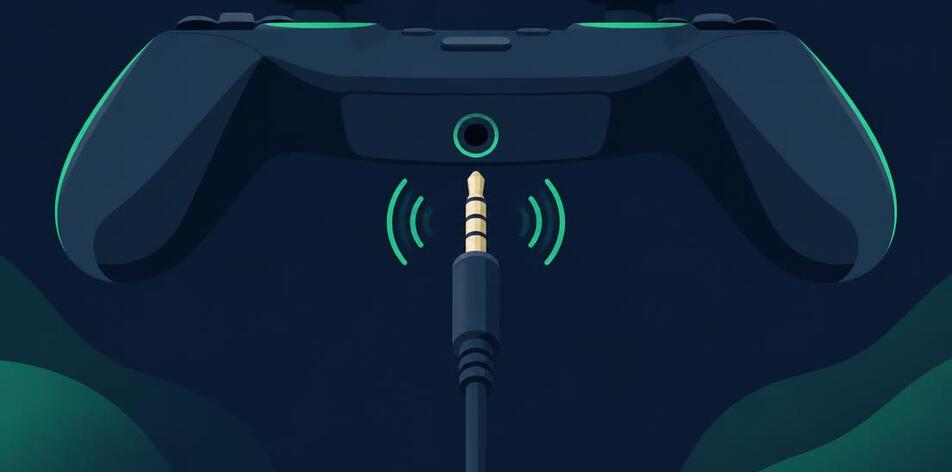
Seat the plug fully — cases and dirt get in the way
A 3.5mm plug that is not fully seated is the most common cause of one-sided or silent audio. Push until you feel it click home, and check whether a thick phone-style case on the headset plug or debris in the port prevents full insertion. Look into the port with a light: pocket lint compacts at the bottom and stops the plug short. Remove debris gently with a dry wooden or plastic pick, never metal, with the controller powered off.
On Xbox, check the audio output settings
On an Xbox console, press the Xbox button, open the audio and music settings, and confirm headset volume is up, chat mixer is not pushed fully to one side, and mic monitoring is set sensibly. Also check that the controller's own firmware is current through the accessories settings, since audio behavior is part of the controller software. If the console shows a headset as connected but you hear nothing, try the headset in a second controller to separate a pad fault from a settings fault.
On PS5, the jack and the built-in speaker are different paths
The DualSense routes audio to the 3.5mm jack when a headset is connected, but the console's output device setting decides where sound goes. Open Settings, then Sound, and check the output device and headphone volume. If audio plays through the controller's small built-in speaker instead of your headset, the console may not have detected the plug — reseat it and check the output device again. Note that the built-in speaker and the headphone jack serve different purposes; game audio and chat can be split between them.
On PC, the controller jack may appear as a separate device
When a controller connects to a PC, its headphone jack can show up as a separate audio output device in Windows sound settings. If your headset is plugged into the controller but Windows is sending sound to speakers or another device, the jack stays silent. Open the sound output selector and look for an entry matching the controller. If nothing appears, reconnect the controller by USB rather than Bluetooth — some controllers only expose their audio jack over a wired connection.
Static, crackling or one-sided sound points to the port
Audio that cuts out when the plug wiggles, or sound in only one ear, usually means worn contacts inside the jack or a damaged plug. Test with a second headset if you can: if both headsets misbehave in the same way, the controller's jack is the suspect. A jack with worn internal contacts is a hardware repair — it involves soldering on the controller's board, so weigh professional repair against replacement, especially while the controller is under warranty.
What a gamepad tester can verify here
The browser Gamepad API reads buttons, sticks and triggers — it has no access to the controller's audio jack, so GPad Checker cannot test your headset port directly, and no browser tool can. What it can confirm is that the controller itself is alive and communicating: if the pad shows up and every button registers, the controller's core electronics work, which focuses your attention on the audio path, settings and the jack hardware itself.
A short checklist before spending money
Work through these in order: headset verified on another device, plug fully seated, port inspected for debris, console or PC output set to the controller, controller software updated, and a second headset tried if available. Each step is free and reversible. Only when all of them pass — and especially if wiggling the plug changes the sound — is the evidence strong enough to justify a jack repair or a replacement controller.