Controller Double Input on PC: Find the Extra Input Path
Updated · Written by Javed Niamat
One press skips two menu items? Separate duplicate controller paths, keyboard bindings and repeat behavior with reversible PC checks before changing drivers.
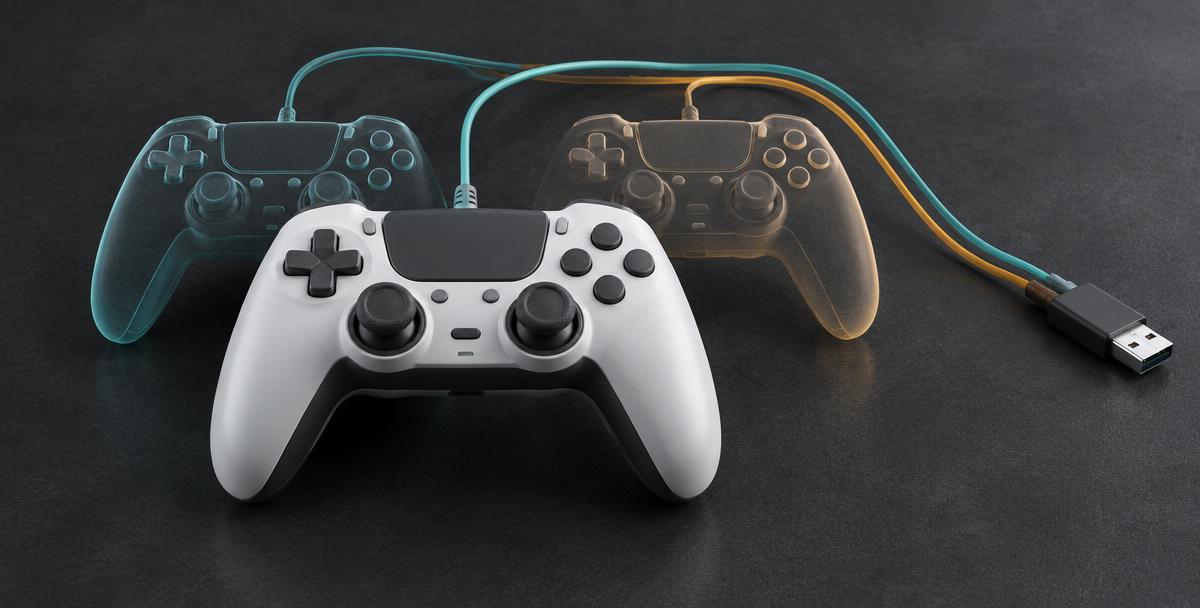
One press, two actions: start by describing it
You tap down once and the menu jumps twice. Or one controller appears to join a game as two players. Both can look like controller double input, but they are not necessarily the same problem. A game may receive a physical gamepad and an emulated copy, a profile may send both a keyboard key and a gamepad command, or a held button may trigger the menu's normal repeat behavior. Start with a brief tap followed by a full release. Note whether it happens with every control, one button, or only one game.
Make a baseline without removing software
Connect just one controller, using a connection supported by its manufacturer. Quit optional remappers fully, including any running in the notification area. Open GPad Checker, press a controller button and check the device entries. Then tap the suspect button slowly. A highlighted input that clears on release is different from an input that stays active. This is an observation of what the browser receives, not an event log or a switch-bounce measurement. Save your custom profiles before changing settings; you do not need to uninstall drivers to make this first comparison.
Two entries can mean a physical pad and a virtual pad
Remapping software can read a physical controller and create an emulated gamepad for games that need another input format. Nefarius documents double input when a game sees both devices. If two entries appear only when your remapper runs, press the same button and observe which entries react. Matching activity is a useful clue, but device names alone cannot prove the cause. Browser exposure and a game's input handling are different. Equally, one browser entry does not rule out a duplicate path inside the game.
Check keyboard bindings as well as controller slots
Steam Input can translate controller actions into keyboard, mouse or gamepad input. A custom layout might therefore make one physical press reach a game in more than one form. Review the binding for the specific control that misbehaves, including extra commands, action layers and repeat or turbo settings if your profile uses them. Compare with the game's default layout rather than deleting your profile. Keyboard commands will not appear as a second gamepad in GPad Checker's controller list, so an apparently normal browser test can coexist with duplicate actions in a game.
Test one translation layer at a time
Try the affected game with its ordinary supported-controller setup. Compare that with your chosen remapper enabled, keeping other optional remappers closed. If Steam Input is part of the setup, record the game's current controller setting before making a per-game comparison. Do not assume it should always be disabled: some controllers and games need its translation to work. Restart the game between comparisons if it detects devices only at launch. The useful result is finding the specific change that introduces the extra action, not switching everything off permanently.
If hiding a device is genuinely necessary
HidHide is a Windows tool for controlling which applications can see selected input devices. It can keep a game's view to the emulated controller while allowing a remapper to read the physical one. Treat that as an advanced, setup-specific option after confirming the conflict, not the first fix for every skipped menu item. Follow the official Nefarius guide, identify the correct physical device and preserve the remapper's access. An incorrect configuration can leave an application unable to see your controller. Do not hide unrelated devices or follow registry-edit shortcuts.
When only one button repeats
Check that the control releases in the browser, then compare a brief tap in another compatible game using default controls. If only the original game's menu repeats, review its bindings and repeat behavior first. If the same button behaves inconsistently in multiple setups with optional remapping removed, tell the manufacturer's support team exactly what you observed. A browser display can miss rapid changes between its updates, so it cannot certify an electrical contact as healthy or faulty. Avoid buying a replacement button mechanism based only on a skipped menu item.
What to record before asking for help
Keep a short note of the controller model, connection, affected game, active remapping tools, visible device entries and the result with each input layer enabled or closed. Include whether a brief tap differs from holding the control. Those details distinguish a duplicate input path from ordinary repeat behavior much better than saying the pad is double-clicking. This article is about diagnosing the extra action; choosing between XInput and DirectInput or comparing remapping tools is a separate next step.