XInput vs DirectInput: Which Mode Does Your PC Game Need?
Updated · Written by Javed Niamat
Choose an input mode for modern and older Windows games, understand trigger differences, and troubleshoot mapping without installing unnecessary drivers.
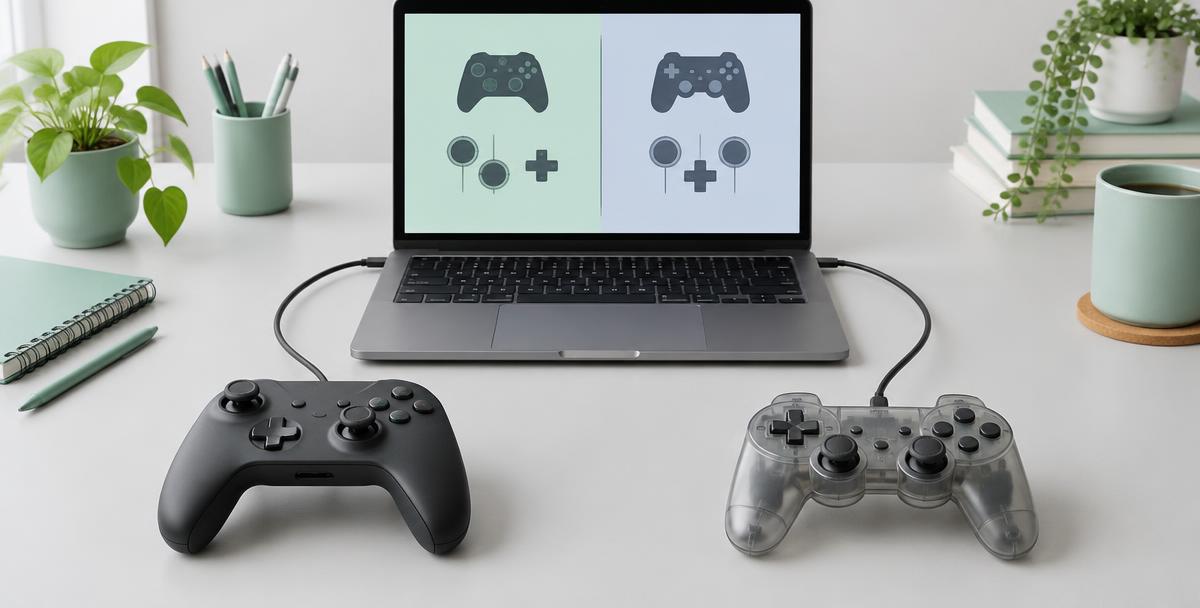
The controller connects, but the game ignores it
That is a frustrating situation: Windows lists your gamepad, yet the game sees nothing—or the buttons land in the wrong places. XInput and DirectInput are Windows programming interfaces that games can use to read controllers. They are not USB cable types, and neither name guarantees a controller is broken when a game does not respond. If your pad has an X/D switch or a software mode selector, the choice can matter. Check the manufacturer's description before changing it; not every controller offers these modes.
What XInput is designed to do
Microsoft introduced XInput for Xbox-style controllers on Windows. It provides a familiar layout for buttons, two sticks and separate left and right triggers, with supported vibration functions. Many Windows games support this interface, but you should still check your game's controller documentation. XInput is not a promise that every controller feature will be available: extra paddles, gyro and touchpad functions depend on the device, software and game. Microsoft documents up to four controllers for the traditional XInput interface; that is not a universal limit on every PC input system.
Where DirectInput still matters
DirectInput is an older interface used by legacy games and a broader range of input devices, including some joysticks and wheels. A game built around that interface may need a DirectInput-compatible mode or a suitable mapping setup. Older does not mean useless, and XInput does not automatically replace every specialized device feature. Start with what the game supports rather than choosing a mode solely because it sounds newer. A controller manual is a better guide to its switch than a generic rule about all gamepads.
Why the two triggers can behave like one axis
Microsoft documents an important compatibility detail for XUSB controllers exposed through DirectInput: the two triggers are combined on a single axis. XInput exposes them independently. In that specific DirectInput path, squeezing both can produce a different combined result from what you expect if you are checking each trigger separately. This is an interface limitation, not proof of a failed trigger. It does not mean every DirectInput device combines its triggers, or that a browser tester must display them that way.
Choose a mode with a small, reversible test
Read the game's supported-controller information and your pad's manual first. If a documented XInput mode exists, compare it in a game that supports XInput. If an older game specifically expects DirectInput, compare that mode instead. Follow the manufacturer's instructions about disconnecting or reconnecting after switching. Use the game's default layout for the comparison, then press buttons individually and test each trigger. Keep the original profile noted so you can return to it rather than building a new configuration around an unexplained fault.
Steam Input adds another translation layer
Steam Input can translate supported controller input into an emulated gamepad path for a game. That can make a controller usable even when the game does not support its native layout. It also means the game's view may differ from the physical device's name or features. Check the game's Steam Input configuration and temporarily close other remappers for a baseline. More than one input path can cause confusing behavior in some setups, but running two tools does not guarantee double input in every game. Diagnose the actual setup rather than uninstalling everything at once.
What GPad Checker can—and cannot—identify
The browser Gamepad API supplies buttons, axes and a mapping value. A mapping of standard means the browser arranged inputs into its standard layout; it does not certify that the underlying Windows connection is XInput. A PlayStation controller can therefore show Xbox-like button labels without physically becoming an Xbox controller. Press one control at a time and watch the responding indicator. Working browser inputs tell you the browser receives that input path, not that every Windows game supports it.
A practical way to narrow the mismatch
First confirm basic inputs in Windows or the browser. Then try the affected game with a default layout and the documented controller mode. If another compatible game works, focus on the first game's input support and profiles. If switching a supported mode changes the result, record both outcomes. Include the controller model, mode, connection, game and active remapping software when asking for help. You usually learn more from that short comparison than from repeatedly installing drivers without knowing which interface the game expects.
Is XInput faster than DirectInput?
The interface name alone cannot establish latency. Controller firmware, connection type, sampling, game processing and display timing all affect what you feel. Choose the interface that gives the game the controls it supports, then assess responsiveness separately with a documented method. Compatibility is the first goal here. A working layout with independent triggers where the game needs them is more useful than a supposedly faster mode that the game cannot read.