DualSense USB-C Problem: Is It the Cable or the Port?
Updated · Written by Javed Niamat
Separate charging, data and connector problems with safe checks before paying for a PS5 controller USB-C repair.
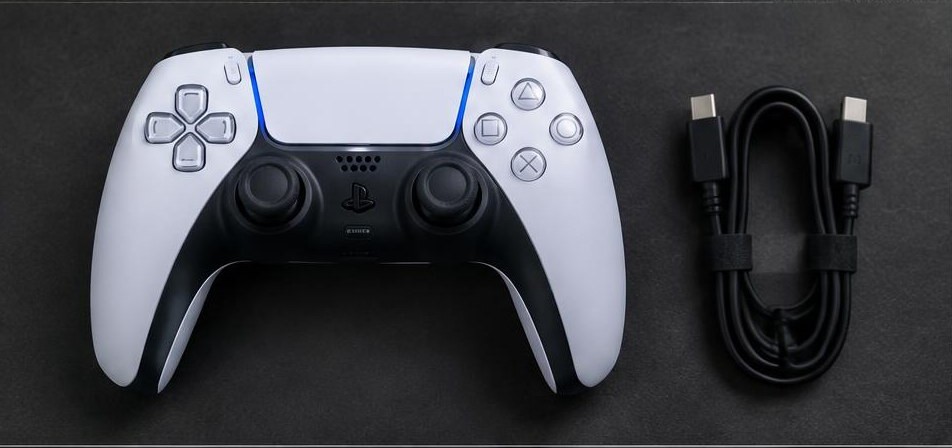
A light is only half the story
Your controller lights up when plugged in, yet the tester stays empty. That can happen because power and input data are different checks. Start by deciding what is actually missing: charging, computer detection, or both. Keep the controller still during the test. Forcing or repeatedly wiggling a loose plug can turn a small connector problem into a bigger one.
Make a comparison you can trust
Use a cable that has successfully carried data for another compatible device, and connect directly to the computer rather than through a hub. Open the PS5 test, keep the tab visible and press a button. Try another cable, then another USB port, changing just one thing each time. Record what works. Several failed cables still do not prove the controller port is damaged if the computer or browser is the common factor.
Look without poking
Unplug the controller and inspect the socket under good light. Look for a connector that sits crooked, visible damage or debris preventing the plug from seating normally. Do not scrape contacts with a metal pin or force a tool into the socket. A plug that will not fit normally is a reason to stop, not push harder. Use the manufacturer's cleaning instructions for your exact model, or let a repair shop inspect it.
Compare wired and wireless input
If Bluetooth input works but direct USB input does not, the controller is able to send some inputs. Focus next on the wired connection, cable, computer recognition and connector rather than replacing stick modules or buttons. This comparison does not prove the USB port is the faulty part. If neither connection works, follow the pairing and browser-detection checklist before considering board repair.
Charging on PS5 needs its own check
Test charging while the console is on before troubleshooting Rest Mode. Sony provides a separate setting for supplying power to USB ports in Rest Mode; review it if charging stops only when the console sleeps. The browser tester does not measure charging current or battery health, so an empty input panel cannot answer whether the battery is charging correctly.
What to ask a repair shop
Tell the shop which cables and hosts you tried, whether Bluetooth works, and whether the connector feels loose. Ask them to diagnose before replacing the socket. USB-C port replacement and board-level diode tests require appropriate tools and model-specific knowledge. A voltage table from another board revision is not a safe shortcut. Do not open a controller with a swollen battery or apply heat to its board as a home troubleshooting step.